music transposer

Sheet Music Transposer

Move a score to any key, or write the part for B♭, E♭ and F instruments.

xml · mid → xml
免费

拖入文件即可开始

或直接拖到这块面板的任意位置

MID · MUSICXML · XML · MXL — 单个文件最大 10 MB

请只上传你有权使用的文件。

  • MID · MUSICXML · XML · MXL
  • 单个文件最大 10 MB
  • 免费 · 无需注册
  • 文件只留在你的浏览器里
全部工具 →
A前后对照

看看有什么变化

拖动分割线对照前后。画面来自演示数据,不是模型输出。
之前 · 五线谱之后 · 升高一个全音 · 降 B 调单簧管用
演示 · Gymnopédie No. 1 — Erik Satie · 钢琴 · 公版
B使用步骤

How to transpose music to another key

Upload a MusicXML or MIDI file to the music transposer above, then drag the lower staff up or down, turn the semitone dial, or pick an instrument preset such as B♭ Clarinet or E♭ Alto sax. The key signature and accidentals update as you go. Play it back to check, then export MusicXML, MIDI or a printable PDF.

  1. 第 1 步

    Upload your score

    Drop a MusicXML or MIDI file. For a PDF or a photo, the page is read with optical music recognition first, at 2 credits per page.

  2. 第 2 步

    Choose the new key

    Slide the staff by half steps, use the −12 to +12 dial, or tap an instrument preset. Pick Prefer flats or Prefer sharps if you like.

  3. 第 3 步

    Listen and print

    Play the transposed part to check it, then export a PDF for the stand, MusicXML for your notation app, or MIDI.

C你能得到什么

What the music transposer does

  • F.01

    A slide rule for keys

    Drag the lower staff against the original and it snaps by half steps, so you can see both versions line up as you go.

  • F.02

    Instrument presets

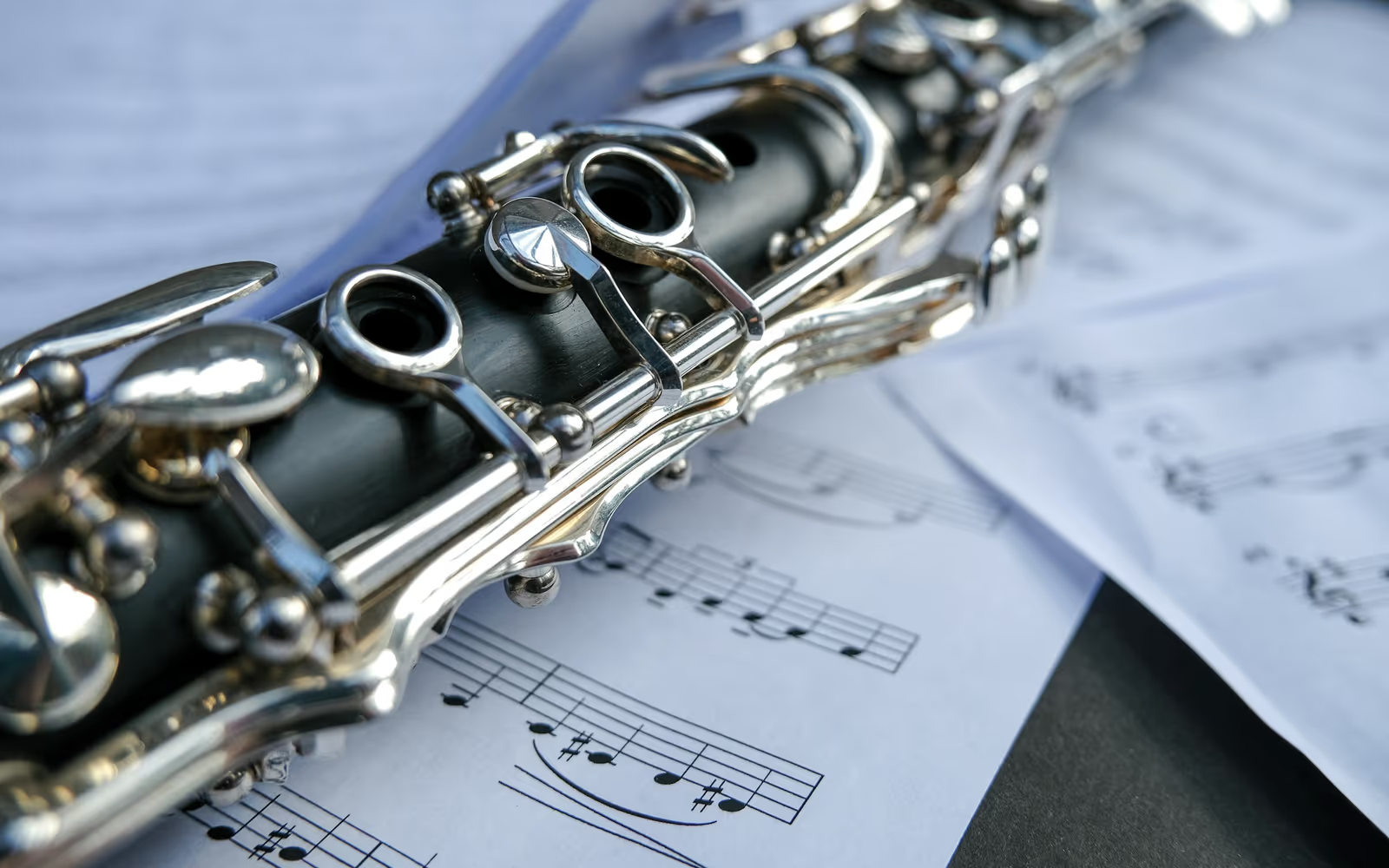
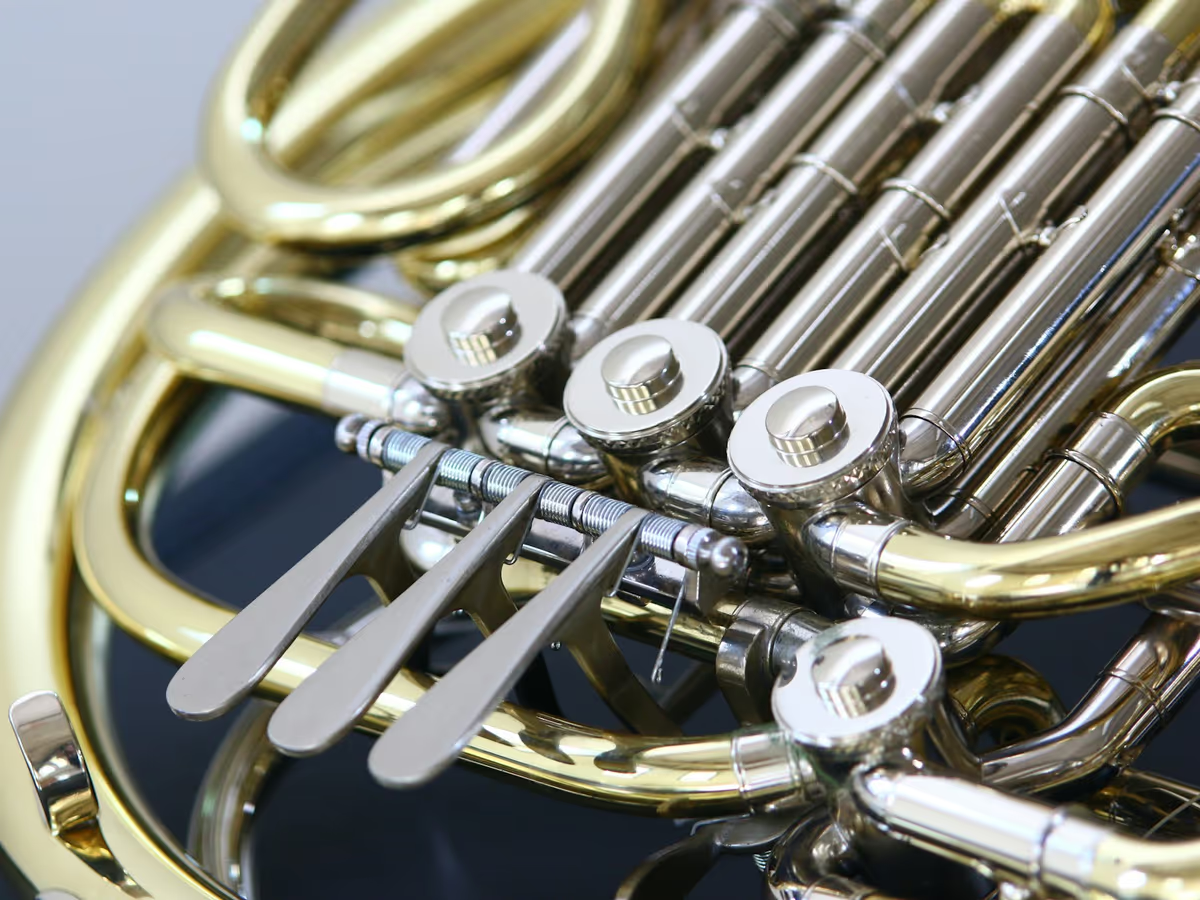
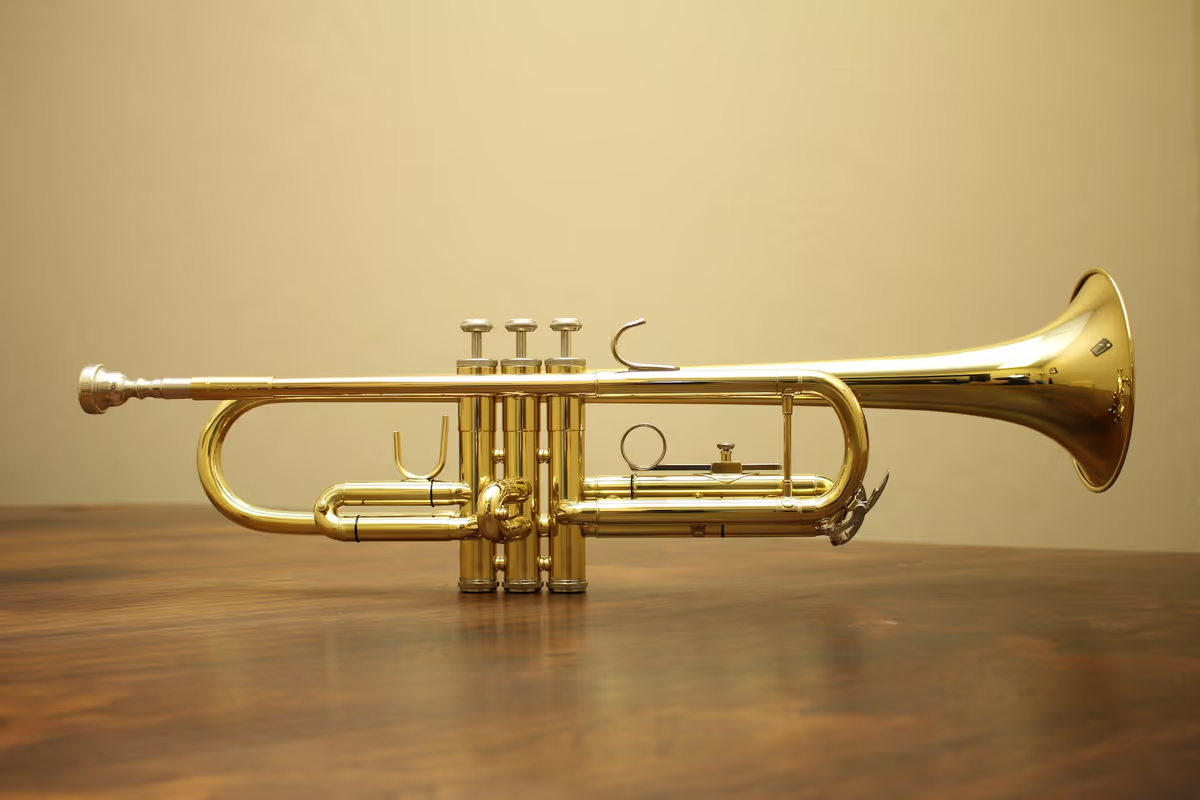
    B♭ Clarinet, B♭ Trumpet, B♭ Tenor sax, E♭ Alto sax and F Horn apply the intervals from the transposition chart below, with the theory in a tooltip.

  • F.03

    Key signatures handled

    The new key signature is worked out from the interval, and accidentals are respelled to match. Choose flats or sharps when both are possible.

  • F.04

    Voice ranges

    Pick a range preset or set a lowest and highest note, and see which keys keep the whole melody inside it.

  • F.05

    Playback before you print

    Hear the transposed part in your browser to catch anything that sits too high or too low for the player.

  • F.06

    Free for MusicXML and MIDI

    Transposing runs in your browser at no cost. Only PDF and photo input, which needs recognition first, uses credits.

D谁在用

Who uses a sheet music transposer

  • Band and orchestra players

    Read a concert-pitch part on a B♭, E♭ or F instrument. Write a C flute part for clarinet, or a piano melody for alto sax.

  • Singers and accompanists

    Move a song into a key that fits the voice. Print the new accompaniment so the pianist reads the same key you sing.

  • Music teachers

    Prepare parts for a mixed ensemble from one score. Hand each student a part written for the instrument they actually play.

  • Worship and community groups

    Match a hymn or song to the congregation’s range and to whatever instruments turn up this week.

E准确度与限制

How accurate is it?

Transposition itself is exact arithmetic: every note moves by the same interval, so a MusicXML or MIDI file comes out right. What needs a human check is readability: whether the new key has awkward accidentals, and whether the part sits in the instrument’s range. PDF input also depends on recognition.

实测准确率:上线时公布。我们怎么测 →
素材效果预期表现
MusicXML input很好Note spelling and voices come from the file, so the result is clean.
MIDI input良好MIDI has no note spelling; sharps and flats are inferred from the key.
Clean printed PDF (via recognition)良好Check the recognized score before transposing.
Phone photo of a page一般Recognition errors carry over; straighten the photo first.
Handwritten score较差Recognition is built for printed notation.
F技巧

Tips for better results

Transposing is quick; making the result easy to read takes a little judgment. These checks keep the part playable.

  1. Use MusicXML when you have it. It keeps note spelling that MIDI does not.
  2. Check the highest and lowest notes against the instrument’s comfortable range.
  3. If a part ends up very high or low, move it by an octave as well.
  4. Prefer flats for brass and most band keys; prefer sharps for guitar and string keys.
  5. Avoid keys with six or seven sharps or flats when an enharmonic key is simpler.
  6. Play the result back before printing; your ear catches range problems fast.
  7. Label the part clearly, such as “Clarinet in B♭”, so nobody reads it at concert pitch.
G对比

Music transposer vs. notation software and transposing by hand

Notation software means desktop or web score editors with a transpose command. By hand means pencil, staff paper and the circle of fifths. Each column lists what that route gives you, not how well it does it.

Music transposer vs. notation software and transposing by hand
功能Audio2MIDI.orgNotation softwareBy hand
Nothing to install有Varies有
Presets for B♭, E♭ and F instruments有有无
Key signature updated for you有有无
Choose flats or sharps有Varies有
Hear the result before printing有有无
Start from a PDF or photoVia recognition, 2 credits / pageVaries有
Cost for MusicXML and MIDIFreeVariesFree, but slow

Checked October 2026

H格式与上限

Formats and limits

输入
  • MusicXML (.musicxml, .xml, .mxl)
  • MIDI (.mid)
  • PDF, PNG or JPG via recognition
输出
  • MusicXML
  • .mid
  • PDF
上限
  • MusicXML and MIDI: free, runs in your browser, no sign-up
  • Range: −12 to +12 half steps, plus instrument presets
  • PDF or photo input: 2 credits per page for recognition
  • Free account: one recognized page a day as a preview
兼容软件
MuseScore · Dorico · Sibelius · Finale · Any DAW (via .mid) · Any PDF reader or printer
I详解

Concert pitch and written pitch

On a piano, a written C sounds as a C. On a B♭ clarinet, a written C sounds as the B♭ a whole step below. The note on the page and the note in the air are different, and that gap is what transposing instruments are about.

The reason is practical. Families of instruments share fingerings: a saxophonist can switch between alto, tenor and baritone and read the same written notes with the same fingers, even though each instrument sounds in a different key. The music is written for the hands, not for the sound.

So when a part is written at concert pitch (the actual sounding notes) and handed to a B♭, E♭ or F instrument, it has to be rewritten. Write it up by the instrument’s interval, and when the player reads it, the right pitches come out.

Transposition chart for band and orchestra instruments

Use this transposition chart to turn a concert-pitch part into one a transposing instrument can read: move every note up or down by the interval shown, and the key signature with it. To go the other way, from a written part back to concert pitch, move by the same interval in the opposite direction. The presets apply these intervals for you, octave included.

Transposition chart for band and orchestra instruments
InstrumentWritten vs. concert pitchConcert C is writtenConcert B♭ major is written
C instruments: piano, flute, oboe, violin, tromboneNo changeCB♭ major
B♭ clarinet, B♭ trumpet, B♭ soprano saxMajor 2nd aboveDC major
B♭ tenor saxMajor 9th above (octave + major 2nd)DC major
E♭ alto saxMajor 6th aboveAG major
E♭ baritone saxOctave + major 6th aboveAG major
F horn, English hornPerfect 5th aboveGF major
A clarinetMinor 3rd aboveE♭D♭ major
Guitar, bass guitar, double bassOctave aboveCB♭ major
PiccoloOctave belowCB♭ major

Notice the pattern. B♭ instruments add two sharps or remove two flats, E♭ instruments three, and F instruments one. Tenor and baritone sax share a key signature with their smaller cousins but sit an octave higher on the page, because they sound an octave lower. Guitar and bass are written an octave up so their parts stay on the staff.

Starting from paper? Upload a PDF or a photo and it’s read with music recognition first, at 2 credits per page. Sheet Music Scanner does the same from your phone’s camera and adds a practice player.

Picking a key for a singer

Start with the melody’s range: its lowest and highest notes. Then find the singer’s comfortable range, not their extremes. If the song runs from B3 to E5 and the singer is comfortable from A3 to D5, moving it down a whole step fits it exactly.

Keep an eye on where the melody spends most of its time, not only the peaks. A song that sits near the top of the range for a whole chorus can tire a voice even if every note is technically reachable. Try a key, play it back, and sing along before you print. If you don’t know the song’s key yet, Key Finder can read it from a recording or a MIDI file.

Key signatures, flats and sharps

Each transposition moves the key around the circle of fifths by a fixed number of steps toward the sharp side, and each step either removes a flat or adds a sharp. B♭ instruments move two steps, E♭ instruments three, and F horn one. Concert E♭ major (three flats) becomes F major (one flat) for B♭ instruments, C major for E♭ instruments and B♭ major for horn.

Sometimes the result can be spelled two ways. Moving C major up a half step gives D♭ major with five flats or C♯ major with seven sharps. Both sound the same; D♭ is far easier to read. The transposer picks the simpler spelling by default, and Prefer flats or Prefer sharps lets you override it, since brass players and string players often have different habits.

J常见问题

乐谱移调 常见问题

Upload a MusicXML or MIDI file, then drag the lower staff up or down, turn the semitone dial, or pick an instrument preset. Every note moves by the same interval, and the key signature and accidentals update to match. Play it back to check the range, then export MusicXML, MIDI or a PDF.

A transposition chart lists how far each transposing instrument’s written part sits from concert pitch. B♭ clarinet and trumpet are written a major 2nd higher, E♭ alto sax a major 6th higher, F horn a perfect 5th higher, and C instruments need no change. The chart on this page covers the common band and orchestra instruments.

Write the part a major second (one whole step) higher than concert pitch, and move the key signature two steps toward the sharps, each step removing a flat or adding a sharp. A concert C becomes a written D, and concert F major becomes G major. Choose the B♭ Clarinet or B♭ Trumpet preset and the tool does this for you.

Write the part a major sixth higher than concert pitch, and move the key signature three steps toward the sharps, each step removing a flat or adding a sharp. A concert C becomes a written A, and concert B♭ major becomes G major. The E♭ Alto sax preset applies this, and you can shift the part by an octave if it sits too high.

Write the part a perfect fifth higher than concert pitch, and move the key signature one step toward the sharps, removing a flat or adding a sharp. A concert C becomes a written G, and concert B♭ major becomes F major. Choose the F Horn preset, play the part back, and check that it sits in a comfortable horn range.

Yes. A PDF or a photo is first read with optical music recognition, which costs 2 credits per page, and the recognized score is then transposed in your browser for free. Check the recognized notes before you transpose, since recognition errors carry over. MusicXML and MIDI files skip recognition and are free. If you only need the MIDI, PDF to MIDI exports it directly.

Find the melody’s lowest and highest notes, compare them with the singer’s comfortable range, and move the song so both ends fit. For example, a melody from B3 to E5 moves down a whole step to fit a singer comfortable from A3 to D5. Set a range in the tool to see which keys work.

Yes. The new key signature is worked out from the interval you choose, and every accidental is respelled to match. When a key can be spelled two ways, such as D♭ or C♯ major, the simpler one is picked by default, and Prefer flats or Prefer sharps lets you choose the other spelling.

Yes, for MusicXML and MIDI files. Transposing runs in your browser with no sign-up: move a piece up to 12 half steps either way, apply an instrument preset, play it back, and export MusicXML, MIDI or a PDF. Only PDF or photo input costs credits, at 2 per page, because the page has to be recognized first.

xml · mid → xml

文件准备好了就开始。

乐谱移调 免费,在浏览器里运行。拖入文件就能听到结果。