
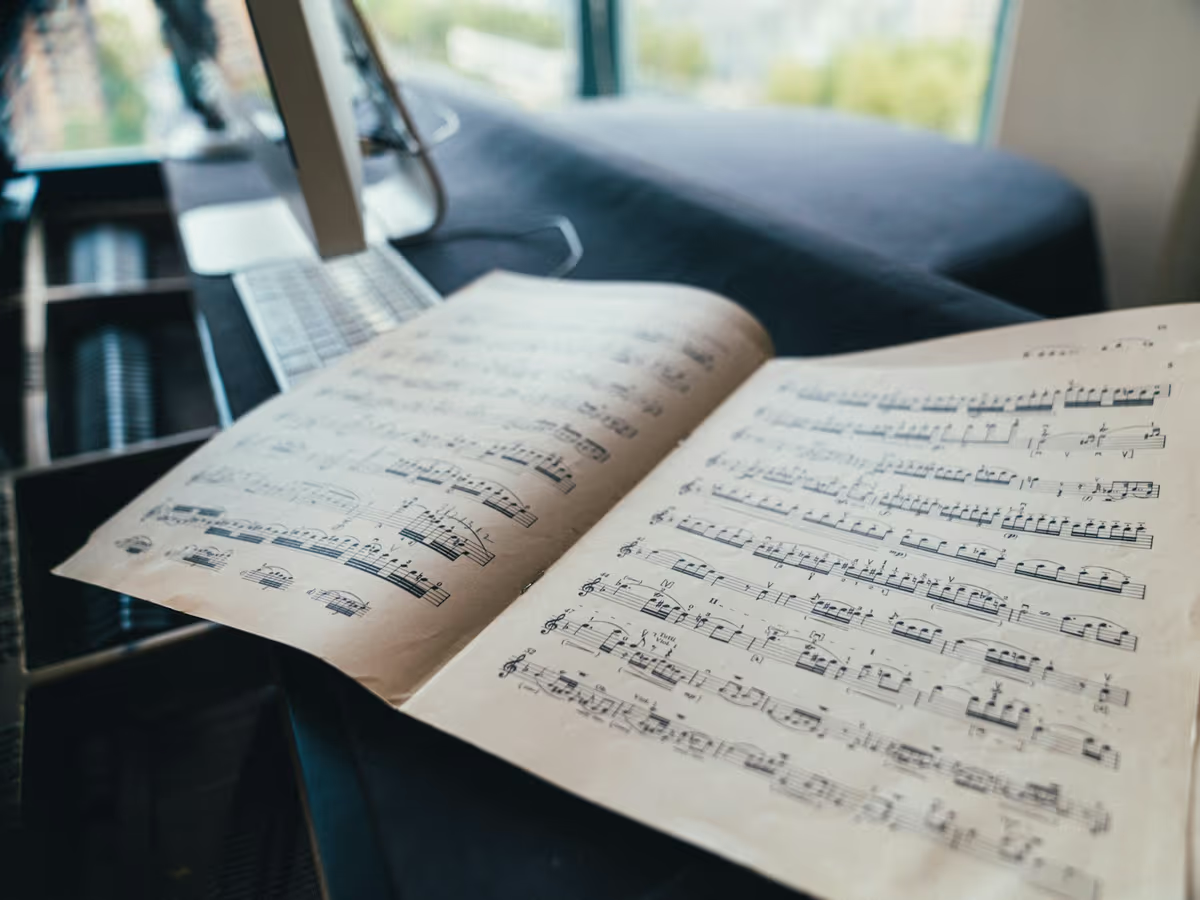
MIDI is a set of instructions, not a recording. A .mid file says which notes to play, when, for how long and how hard, plus tempo changes and which instrument each track should use. It’s closer to a player-piano roll than to an MP3. That’s why MIDI files are tiny, often a few kilobytes for a whole song, and why many phones, apps and websites can’t play them at all.
Converting MIDI to MP3 means performing the file. A synthesizer plays every note into an audio buffer, and an encoder compresses that audio into an MP3. Audio2MIDI.org does both steps in your browser: the Web Audio API renders the notes, and an MP3 encoder based on LAME runs locally on your device.
The upside is portability: an MP3 sounds the same everywhere. The trade-off is that the choices you make at render time, instrument, bitrate and which tracks play, are baked in. Keep the MIDI file in case you want to change them later.
General MIDI, SoundFonts and why renders sound different
General MIDI, introduced in 1991, standardized 128 instrument numbers: program 1 is Acoustic Grand Piano, 25 is a nylon-string guitar, 41 is Violin, and channel 10 is reserved for drums. A General MIDI file can say “play this track on a violin”, but not what that violin should sound like. Each player supplies its own sounds, usually from a SoundFont or a built-in sample set.
That’s why the same file can sound grand on one system and toy-like on another. A large orchestral SoundFont and a tiny phone synth follow the same notes, but their samples, envelopes, reverb and velocity response all differ.
This converter takes a focused approach: a sampled grand piano for piano music and a lightweight synth for everything else. It doesn’t include a full General MIDI bank yet, so a string quartet will render with piano or synth rather than strings. If you need every instrument, render in a DAW with sounds you like, and use this tool for quick piano renders and drafts.
Which MP3 bitrate should you choose?
Bitrate is how much data the MP3 spends on each second of audio. Higher bitrates keep more detail and make bigger files. A minute of audio takes roughly 1 MB at 128 kbps, 1.4 MB at 192 kbps and 2.4 MB at 320 kbps.
128 kbps is fine for quick previews and small attachments. 192 kbps is a sound everyday choice; on phone speakers and earbuds, most people won’t hear much difference above it. 320 kbps is the highest bitrate MP3 supports. Choose it when the MP3 is your final copy, or for solo piano, whose long decays reveal compression on good speakers.
If the audio is headed into a DAW, a video editor or a mastering chain, skip MP3 and render a WAV with MIDI to WAV. Every MP3 encode throws some information away, and re-encoding a lossy file stacks up artifacts. Lossless WAV keeps everything for the next step.
Getting a natural piano render
Piano MIDI that sounds stiff usually has one of three problems: flat velocities, missing pedal, or notes cut short. Files exported from notation apps often play every note at the same velocity. Recorded files tend to sound more natural because they keep the player’s touch.
Before you render, shape the velocities in your DAW: a melody a little louder than the accompaniment, phrases that rise and fall, softer inner voices. If the sustain pedal was recorded as controller data, consider lengthening the pedaled notes so the render rings the way it did when you played it.