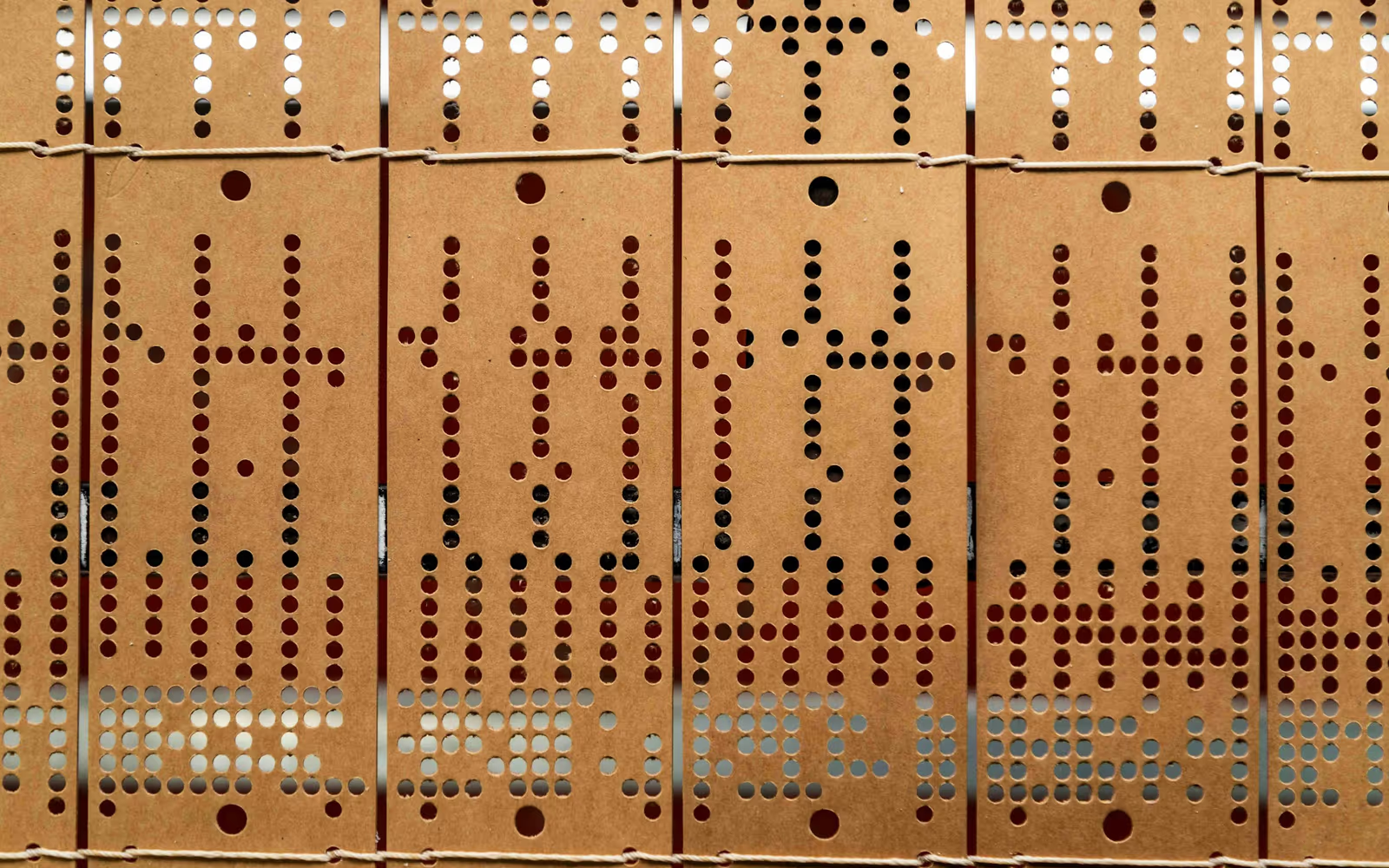


A MIDI file is a score for machines. It lists notes with their pitch, start time, length and velocity, groups them into tracks, and adds tempo changes and instrument numbers. It contains no sound. A MIDI player reads those events and drives a synthesizer that turns each one into audio at the right moment.
In the browser, that synthesizer is built on the Web Audio API. Audio2MIDI.org schedules notes slightly ahead of time so playback stays steady, and draws the visualizer in sync with what you hear. Because everything runs locally, there’s no buffering and no upload, and your file stays private.
Operating systems used to ship a General MIDI synth, which is why .mid files once played anywhere. Many current devices and browsers no longer play MIDI on their own, so a MIDI player online is often the quickest way to hear a file.
Why the same MIDI sounds different in different players
General MIDI standardized 128 instrument numbers in 1991, so a file can ask for “Acoustic Grand Piano” or “String Ensemble 1”. It can’t say what those instruments should sound like. Each player brings its own sounds, often from a SoundFont, and every SoundFont records, loops and balances its instruments differently.
Players also differ in how they handle velocity curves, the sustain pedal, reverb, pitch bend and volume changes. One player makes velocity 64 sound fairly soft and another fairly loud. One adds a concert-hall reverb, another plays dry. None of that is in the file.
This player keeps a small, consistent sound set: a sampled grand piano and a light synth. Piano music sounds natural. Arrangements for other instruments play with piano or synth, which is fine for checking notes and practicing but not for judging an orchestration. If you hear a wrong note, fix it in the MIDI Editor and play the file again. For that, open the file in a DAW with the instruments you plan to use.
Practicing with a MIDI file
MIDI makes a patient practice partner because it separates what you hear from how fast you hear it. Slowing down a recording smears the sound; slowing down MIDI doesn’t, because the same notes are simply played later, at the same pitch.
A routine that works for many players: loop four bars at 60% speed with only the hand you’re learning. When you can play it three times in a row cleanly, raise the speed by 10%. At full speed, unmute the other hand and repeat. Falling notes help you find the keys; the piano roll helps you see rhythm and phrase shape.
If both hands share one track, you can still practice hands separately by splitting the track in your DAW. If you’d rather read than watch, turn the same file into a printable score with MIDI to Sheet Music, or move it into an easier key with Transpose Sheet Music.