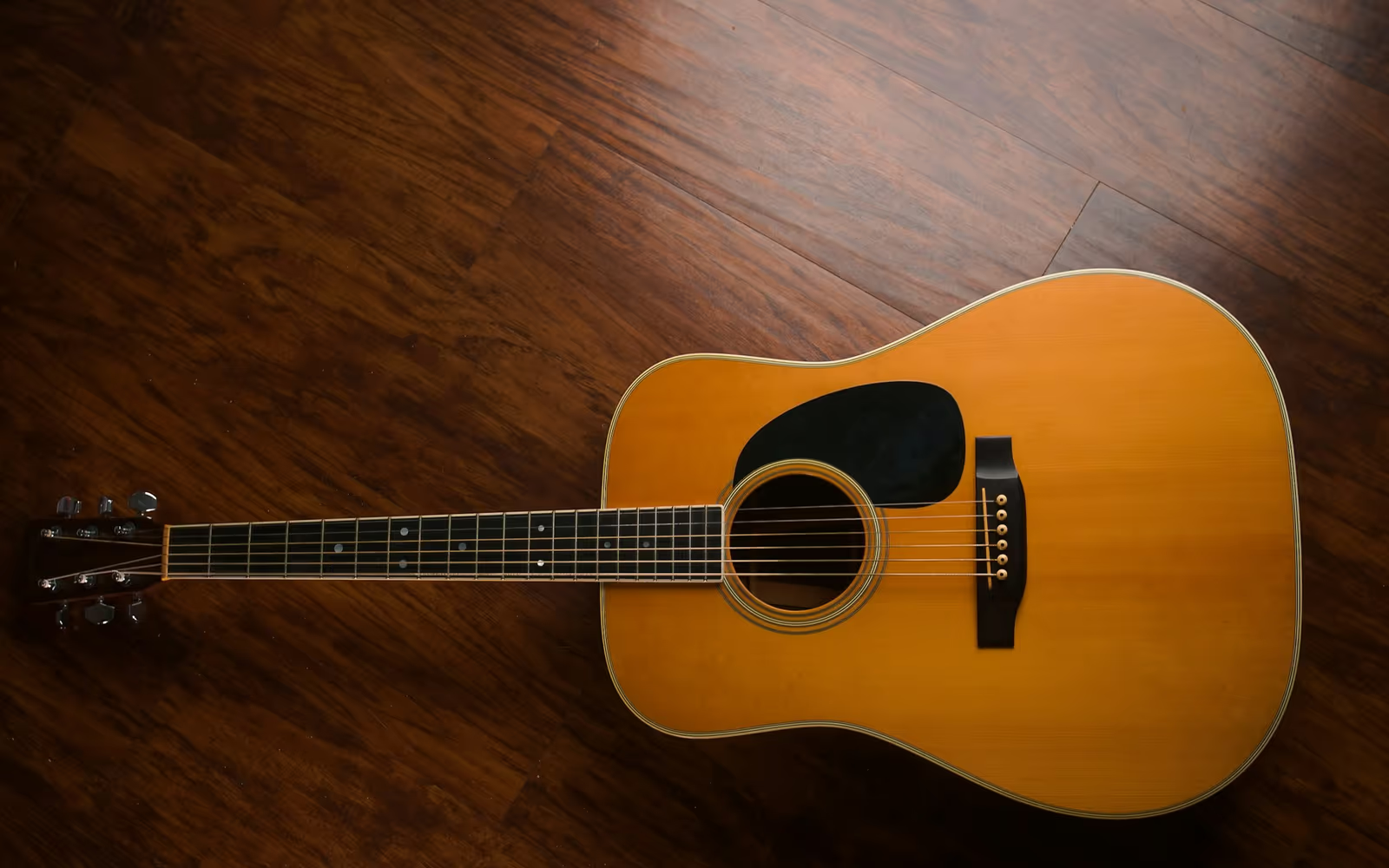

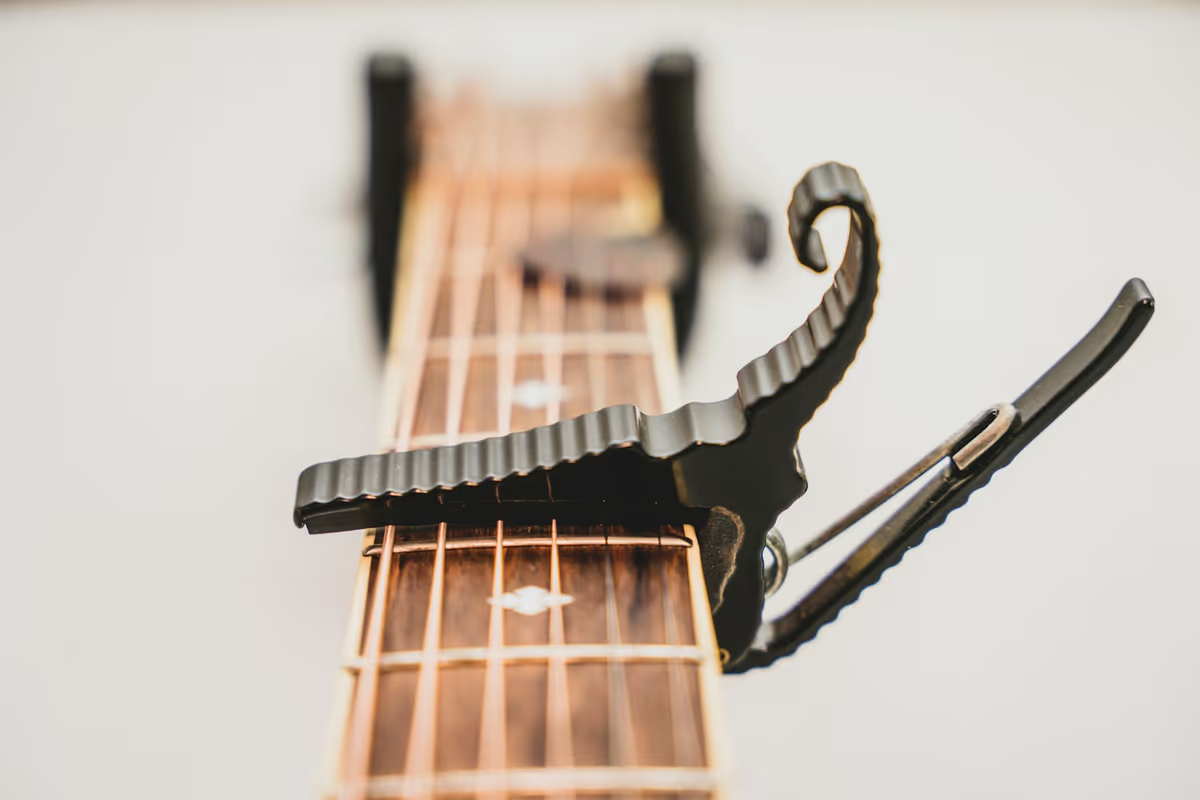
On a piano, every pitch has exactly one key. On a guitar, the same pitch can sit in several places. The E above middle C is the open first string, but also the fifth fret of the B string, the ninth fret of the G string and the fourteenth fret of the D string. A transcription that only knows the pitch has not finished the job.
So after the notes are found, the generator plans a route along the neck. It looks at every way to play the passage and scores each one: how far the hand has to stretch, how far it has to shift, and whether an open string makes life easier. The route with the lowest total cost wins. That’s the difference from a manual guitar tab creator, where you choose every string and fret yourself.
You can bend those rules. Lower the maximum stretch for small hands or beginners. Turn off the open-string preference for lead lines that should stay in one position up the neck.
Strummed chords versus single lines
A single-note riff is a clean problem: one note starts, one note stops, and the next one begins. A strummed chord is six notes starting a few milliseconds apart, ringing together, with lots of shared overtones. Some notes get lost in the blend, and some overtones look like notes that were never played.
That is why strummed chords come out approximate. The shape is usually recognizable, but expect to fix a note or two per chord. If you only need the chord names for a song, the Chord Finder is the faster tool. Use the Tab Generator for riffs, melodies, solos and fingerstyle parts.
Alternate tunings change every fret number
Standard tuning is E A D G B E from the lowest string. Drop D lowers the sixth string to D. DADGAD and Open G (D G D G B D) retune several strings, and Half-step down drops every string by a semitone, a sound common in rock and blues.
Tune with a tuner before you record, so the pitches line up with the tuning you pick. The notes in your recording do not change with the tuning, but the frets that produce them do. If you played in Drop D and the generator assumes Standard, the low D cannot be placed at all, and the frets on the sixth string will not match what your hand did. Pick the tuning you actually used, and the fingering optimizer redistributes the notes across the new string layout.
Tab plus notation: why you want both
Tab tells you where to put your fingers. It is not very good at telling you when. Standard notation shows rhythm clearly: dotted notes, rests, triplets and ties. Reading them together gives you the full picture.
The MusicXML export carries both, with the string and fret for every note. MuseScore and Guitar Pro can import MusicXML; apps that read its string and fret data keep our fingering, and others re-finger the notes themselves. A native Guitar Pro file is not offered, so treat MusicXML as the bridge. For piano, voice or other instruments, Audio to Sheet Music writes the same kind of notation without the tab staff.