


G1
Quantize
Tighten timing to 1/8, 1/16 or 1/32 — or leave the swing in.
Off the grid by 46 ms on average
Convert MP3 to MIDI, PDF scores to MusicXML, humming to notes, MIDI to PDF and guitar recordings to tab.
Drop a recording, a PDF score or a MIDI file. Hear the result before you pay, then export MIDI, PDF or MusicXML.
Free preview, no sign-upMP3 WAV M4A FLAC PDF PNG JPG MIDNo ads
MP3 · WAV · M4A · FLAC · OGG
A piano take, a hummed melody, a guitar part or a full mix. You get notes you can hear, fix and export.
Try a sample
DemoKey C major · 66 BPM · 128 notes
Only upload audio and scores you have the right to use.
Input formats: MP3, WAV, M4A, FLAC, OGG, PDF, PNG, JPG, MIDI and live voice.
Output formats: MIDI, PDF, MusicXML, guitar tab, WAV, MP3, key, BPM and chords.
Opens in MuseScore, Dorico, Sibelius, Logic Pro, Ableton Live, FL Studio and any app that reads MIDI or MusicXML.
Pick what you have. Pick what you need. Every cable opens the right tool.
InYou have
Hover a jack to trace its cables
20 cables · 16 tools
You needOut
One playhead, three views. Switch between the notes as played and snapped to the grid, and judge the result yourself.
Demo data
Prelude in C — J.S. Bach
Bars 1–2 of 8
0:00.0 / 0:29.1
Click any note to hear it. Arrow keys step through notes.
Demo data: public-domain pieces and phrases written for this page, played by the browser synth. Every tool shows your own file in the same three views.
Four movements, one file. Scroll to play them in order.
I.Separate
Pull the piano, voice or bass out of a full mix.
II.Detect
Find every note's pitch, start, length and velocity.
III.Quantize
Snap timing to the grid you choose, or keep the feel.
IV.Engrave
Set key, meter and hands, then lay it out as sheet music.
Premium2 credits per minute of audio
Split a full mix into piano, vocals, guitar, bass and drums, then export one MIDI file per track.
Bar 1 · beat 1
Demo data · original arrangement, not a commercial recording
Stem quality depends on the mix. We show you the result before you spend credits.
See PremiumSmall controls, big difference. Every change redraws the score while you watch.
Demo data · Bach and original phrases
Tighten timing to 1/8, 1/16 or 1/32 — or leave the swing in.
Off the grid by 46 ms on average
Pull stray notes back into the scale.
2 notes out of key
Drag the split point between left and right hand.
Split C4 · L 2 · R 30
Any key, or presets for B♭, E♭ and F instruments.
Concert pitch · C major
Lock the MIDI grid to the song's BPM for your DAW.
DAW grid 120 BPM · tap 4 times
See which notes the model wasn't sure about.
32 notes
Free tools run in your browser and never ask for a card.
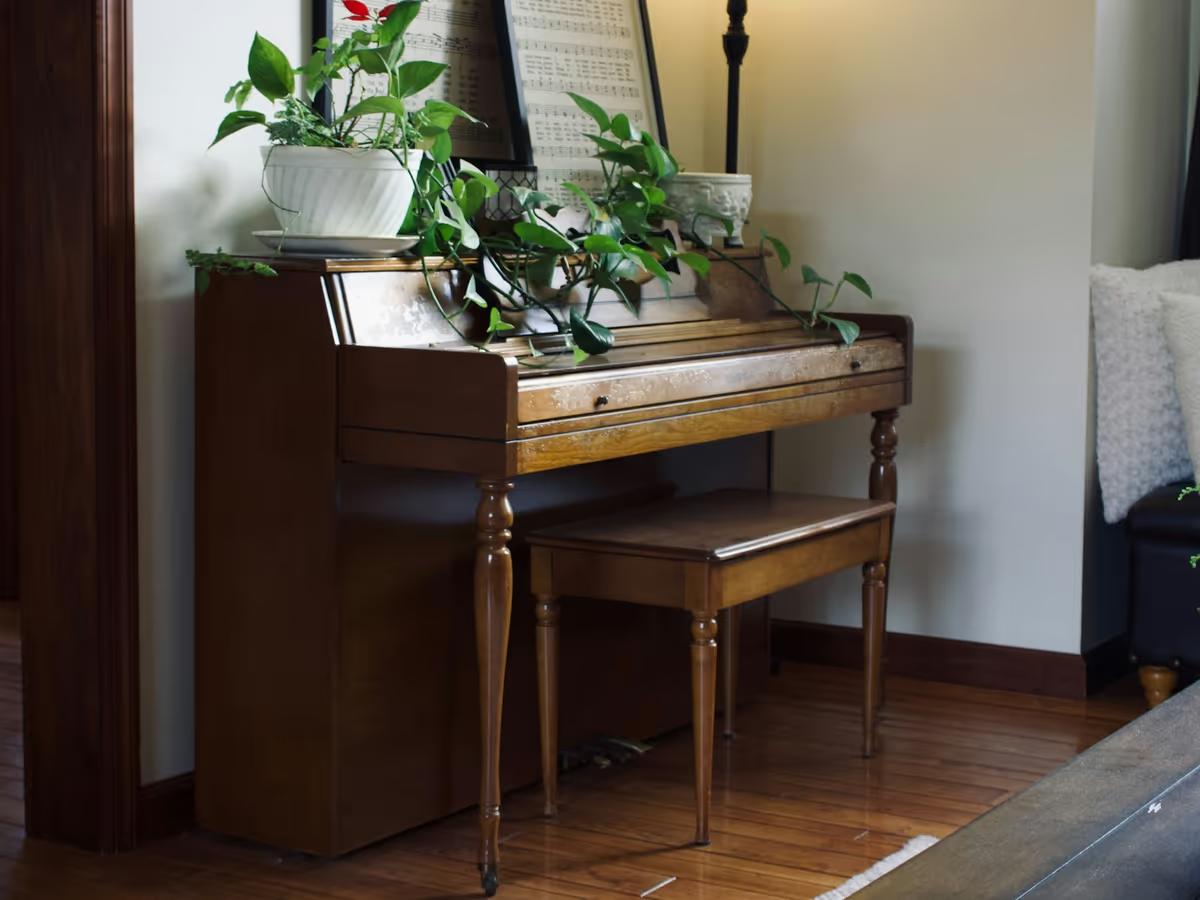
Get the sheet music for the piece you're learning, then slow it down and loop the hard bars.
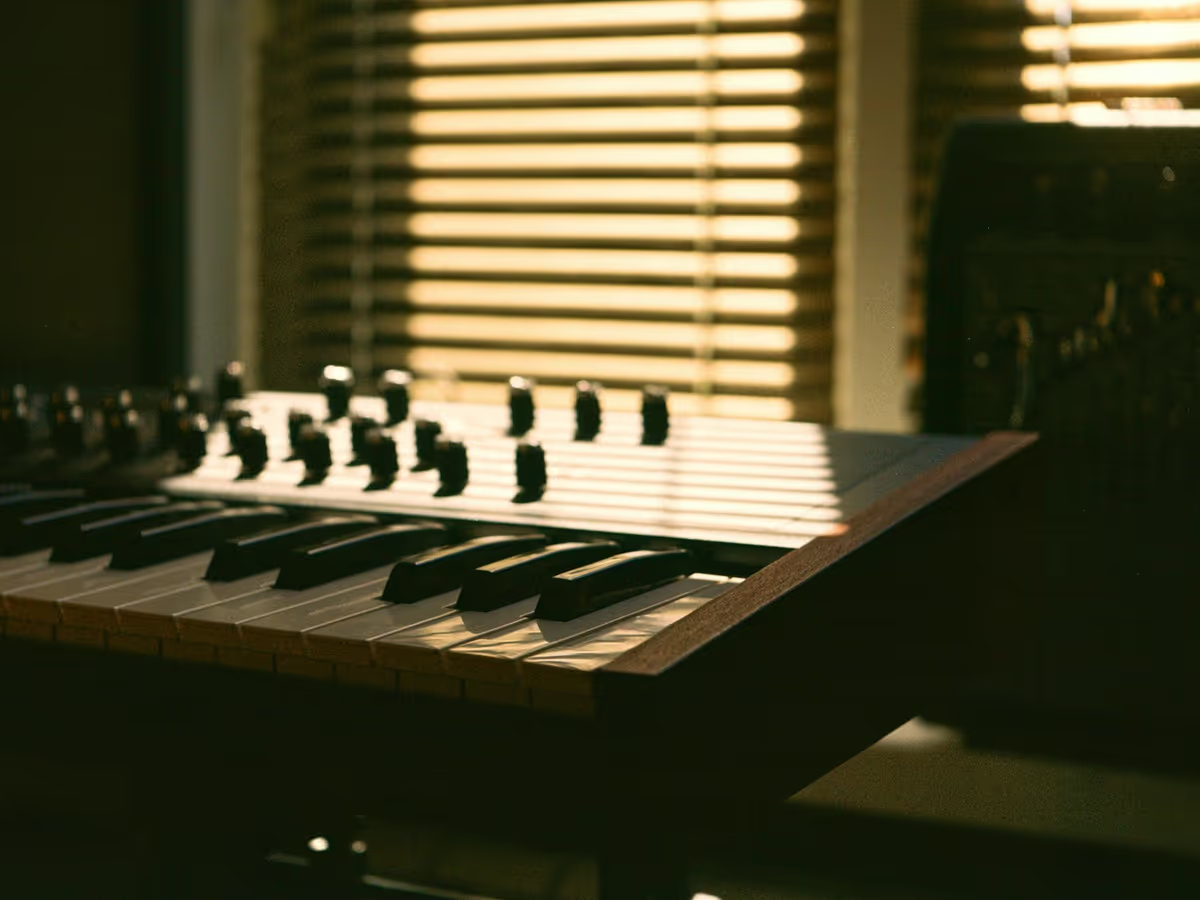
Pull a melody or bassline out of a demo and drag the MIDI straight into your DAW.
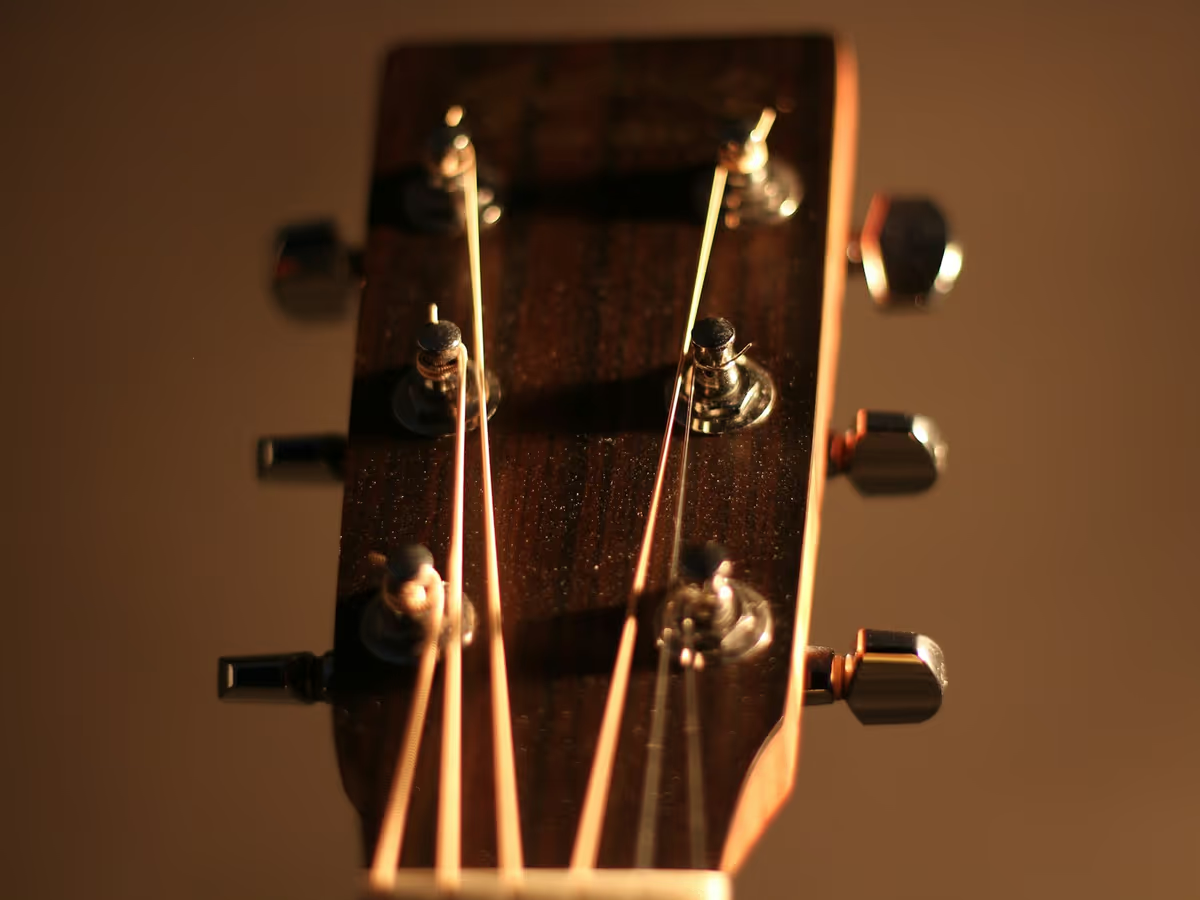
Turn a riff into tab with fingering that fits the hand, in standard or drop tuning.
Scan a printed part, hear it, and print it again for B♭ clarinet or alto sax.
Concert pitch
B♭ clarinet · up a major 2nd
We test every model on a fixed set of recordings and scores and publish the results — including the bad ones.
Sheet 01 · Note accuracy by source
Status · testing
TestingResults published at launch
| Source type | Tip | |
|---|---|---|
| 01Solo piano, clean | Pending | Mic close to the piano, sustain pedal used sparingly. |
| 02Pop piano arrangement | Pending | Heavily pedalled chords can blur. Check the left hand. |
| 03Voice or humming | Pending | One clear note at a time. Slides may split into extra notes. |
| 04Guitar, single notes | Pending | A direct or close-miked guitar reads cleaner than a room mic. |
| 05Guitar, strummed chords | Pending | Strummed chords come out approximate. Try Chord Finder. |
| 06Full band mix | Pending | Separate stems first, then transcribe one part at a time. |
| 07Printed score (PDF) | Pending | Use the original PDF or a 300 dpi scan, not a screenshot. |
| 08Phone photo of a score | Pending | Shoot the page flat, in even light, with all edges in frame. |
| 09Complex choral or orchestral score | Pending | Dense pages may need fixes. Check each staff before export. |

Plain rules about what you can upload and where it goes.
Every conversion shows its cost before it runs. If a job fails, the credits go back automatically.
$0 per month
No card. Browser tools need no sign-up.
5 credits when you sign up · valid 30 days
$9.99 per month
Billed monthly
60 credits / month ≈ 60 min HQ audio or 30 pages
$19.99 per month
Billed monthly
200 credits / month ≈ 200 min HQ audio or 100 pages

Credit packs: 50 for $9.99 · 150 for $24.99 · never expire
30 min × 1 + 2 pages × 2
Straight answers, including what we can't do well yet.
Upload the MP3 to MP3 to MIDI. You get a free preview transcription in your browser; play it against the original, then export a .mid file. For solo piano, the HQ piano model gives a cleaner result at 1 credit per minute. A single instrument with little reverb gives the best result.
Yes. Upload the song and turn on stem separation to isolate the vocal or lead line before transcription, or upload a stem you already have. You get a tempo-aligned .mid file to drag into FL Studio, Ableton Live or any DAW. Lines buried in a dense mix come out rougher than isolated parts, so expect some cleanup.
Yes. Open Voice to MIDI, hum, sing or whistle, and the notes appear as you go. It runs free in your browser and nothing is uploaded. Hum one clear note at a time in a quiet room. Pitch usually comes through well, but slides and vibrato can split into extra notes, so check the piano roll before you export.
Yes. Audio to Sheet Music uses transcription models to detect each note's pitch, start and length, then engraves the result as a score you can print or export as PDF and MusicXML. It works best on solo piano or one instrument. Full band mixes are harder and the score will need editing; you hear the preview before you spend credits.
It depends on the source, so we measure it by source type. Each model runs on a fixed test set of recordings and scores, and a note counts as correct only when its pitch matches the reference and it starts within 50 ms. Results, weak spots included, are published at launch. Until then, preview and play back every file before you pay.
Yes. Upload the PDF to PDF to MIDI & MusicXML. Optical music recognition reads the notes, plays them back so you can check them, and exports MIDI or MusicXML. Scanning costs 2 credits per page. Clean printed scores at 300 dpi read best; handwritten music and very dense orchestral pages are not reliable yet.
Open MIDI to Sheet Music and choose your .mid file. It runs free in your browser and nothing is uploaded: set the key, time signature, quantize grid and hand split, then download a PDF or MusicXML file. MIDI played live without a click track may need a stronger quantize setting before the notation reads cleanly.
Every browser tool is free with no sign-up: MIDI to sheet music, MIDI to MP3 and WAV, the MIDI player and editor, the key, BPM and chord finders, transposition and voice to MIDI. Audio and PDF tools show a free preview before you pay. Creating an account adds 5 credits, valid for 30 days, to try HQ transcription.
Or play a few keys first — sound stays off until you turn it on.
Only upload audio and scores you have the right to use.